renga
AI-Native Terminal for Agent Teams — a Rust TUI tool for orchestrating multiple Claude Code and Codex agents in split panes.
Overview
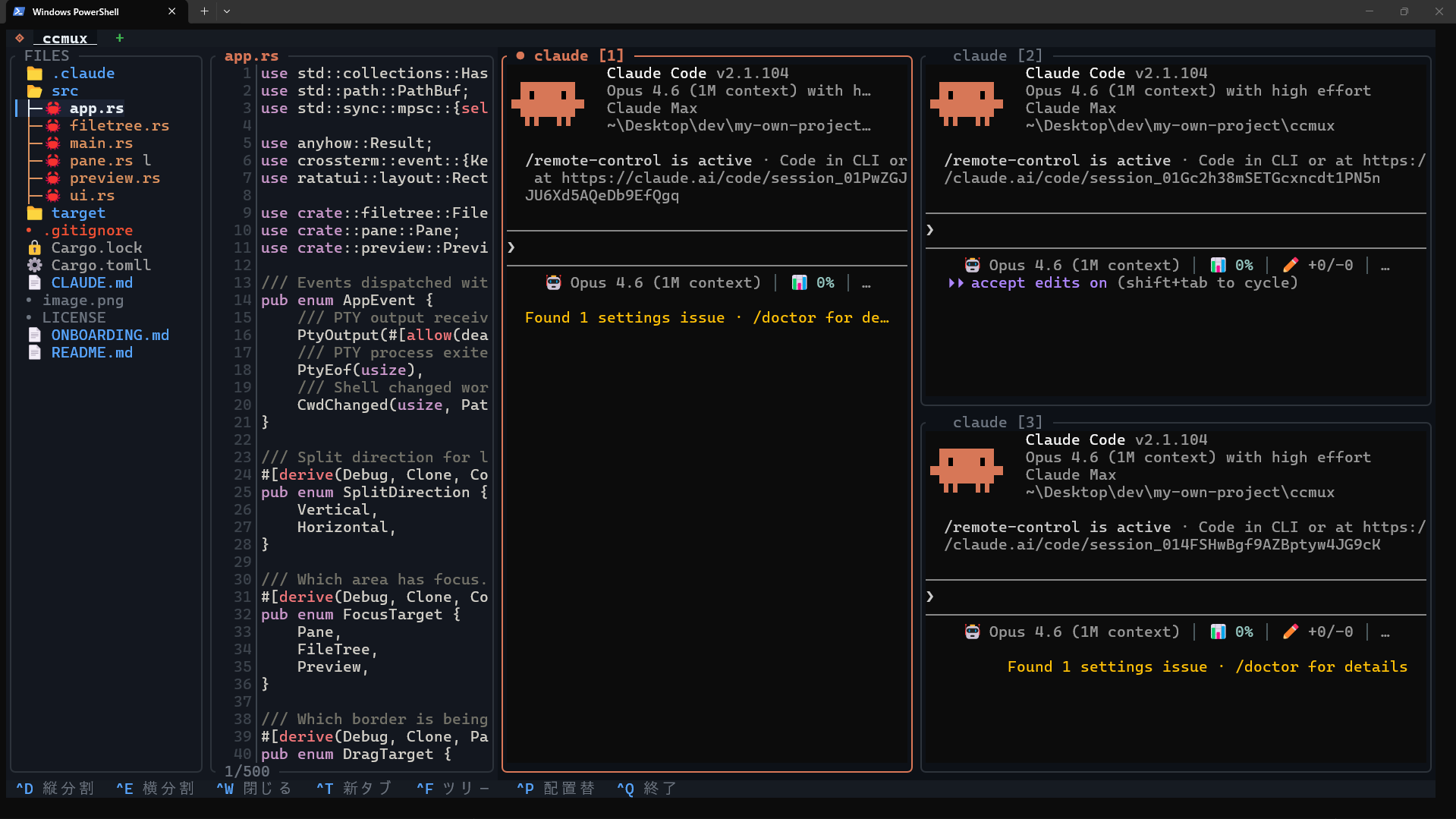
renga is an AI-native terminal focused on orchestrating multiple coding agents in parallel. It is a thin layer on top of PTYs with a vt100 emulator, offering split panes, tabs, and a file tree, but the differentiator is that panes are treated as agent endpoints rather than generic shells. Same-tab Claude Code and Codex instances can join the built-in renga-peers network and use pane-control tools to launch workers, inspect siblings, and coordinate in-band. Think of it as a local command center for multi-agent development rather than a generic tmux replacement.
Highlights
- Run multiple Claude Code and Codex sessions side-by-side in split panes
- Peer messaging + pane orchestration — same-tab Claude Code and Codex panes can use
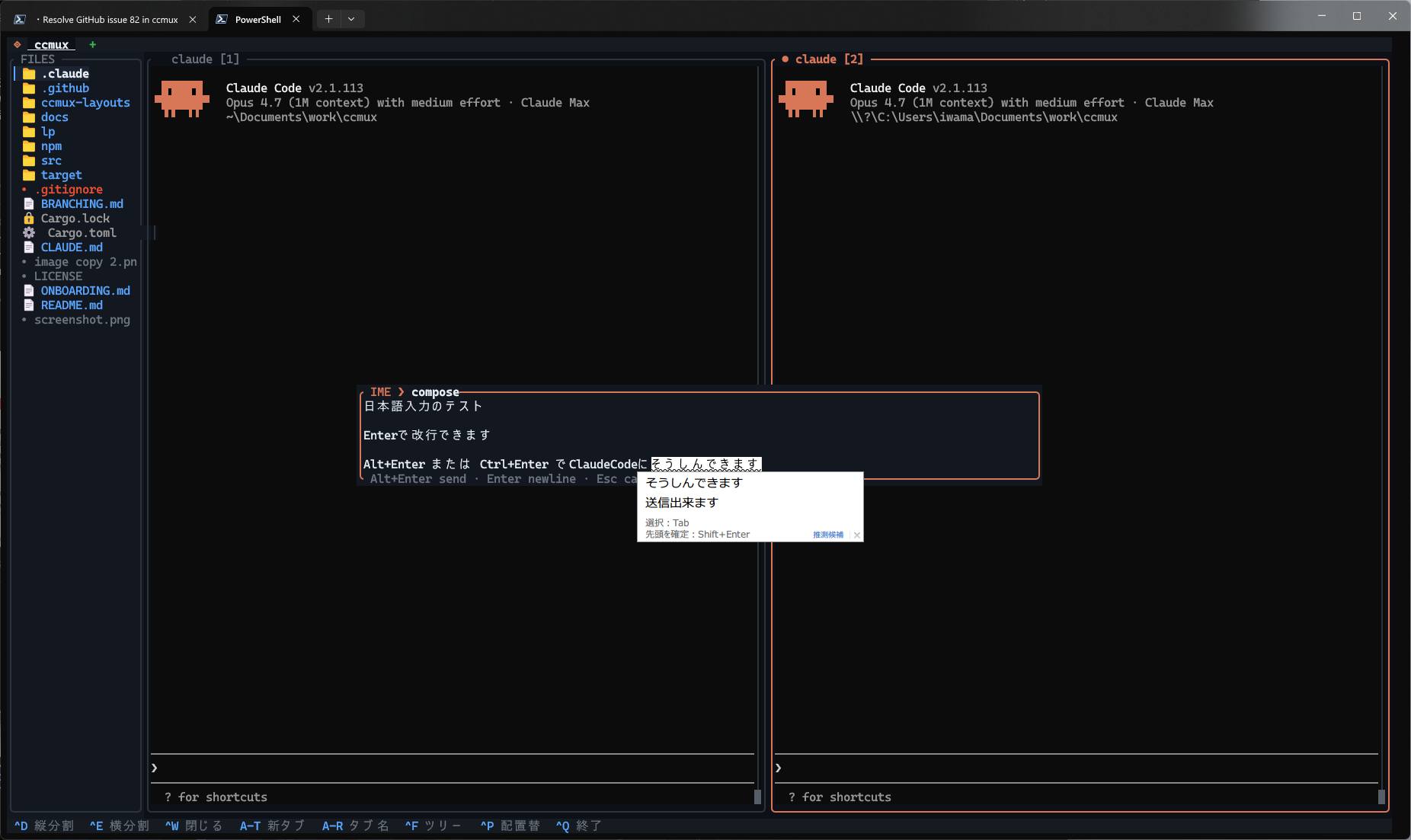
list_peers,send_message,spawn_claude_pane,spawn_codex_pane,inspect_pane,send_keys, andpoll_eventsvia the built-inrenga-peersMCP server - Centered multi-line IME composition overlay —
Alt+Entersends,Enterinserts a newline, the host IME candidate window anchors to the caret (renga-specific) - Pane freeze + periodic catch-up (
--ime-freeze-panes+--ime-overlay-catchup-ms) silences caret flicker during IME composition (renga-specific) - File tree with syntax-highlighted preview
- Independent workspaces per tab
- Single binary (~8-10 MB depending on platform), no runtime dependencies
- Windows / macOS / Linux
Quick Start
npm install -g @suisya-systems/renga
renga mcp install
renga
Once running, press Alt+P in a pane to insert the peer-enabled Claude launch command, or use the Codex path described in Peer Messaging. When you launch sibling agent panes inside the same tab, they join the same renga-peers network and can collaborate in-band.
See Getting Started for first-run setup and Peer Messaging for the MCP tool surface.
Key Features
- Multi-pane splits — Vertical and horizontal, up to 16 panes
- Peer messaging + pane control — Claude Code and Codex panes can talk to each other and control splits, worker launches, prompt responses, and lifecycle watching
- IME composition overlay — Centered multi-line,
Alt+Enterto send, candidate-window anchor, optional pane freeze + catch-up - File tree + preview — Browse and preview files with syntax highlighting
- Tab workspaces — Independent workspaces per tab
- Claude detection — Pane border turns orange when Claude is running
- Text selection — Drag to select, auto-copy to clipboard
- Scrollback — 10,000 lines of history per pane